Paper plans.
Digital calendar.
The calendar you love.
The convenience of your phone.
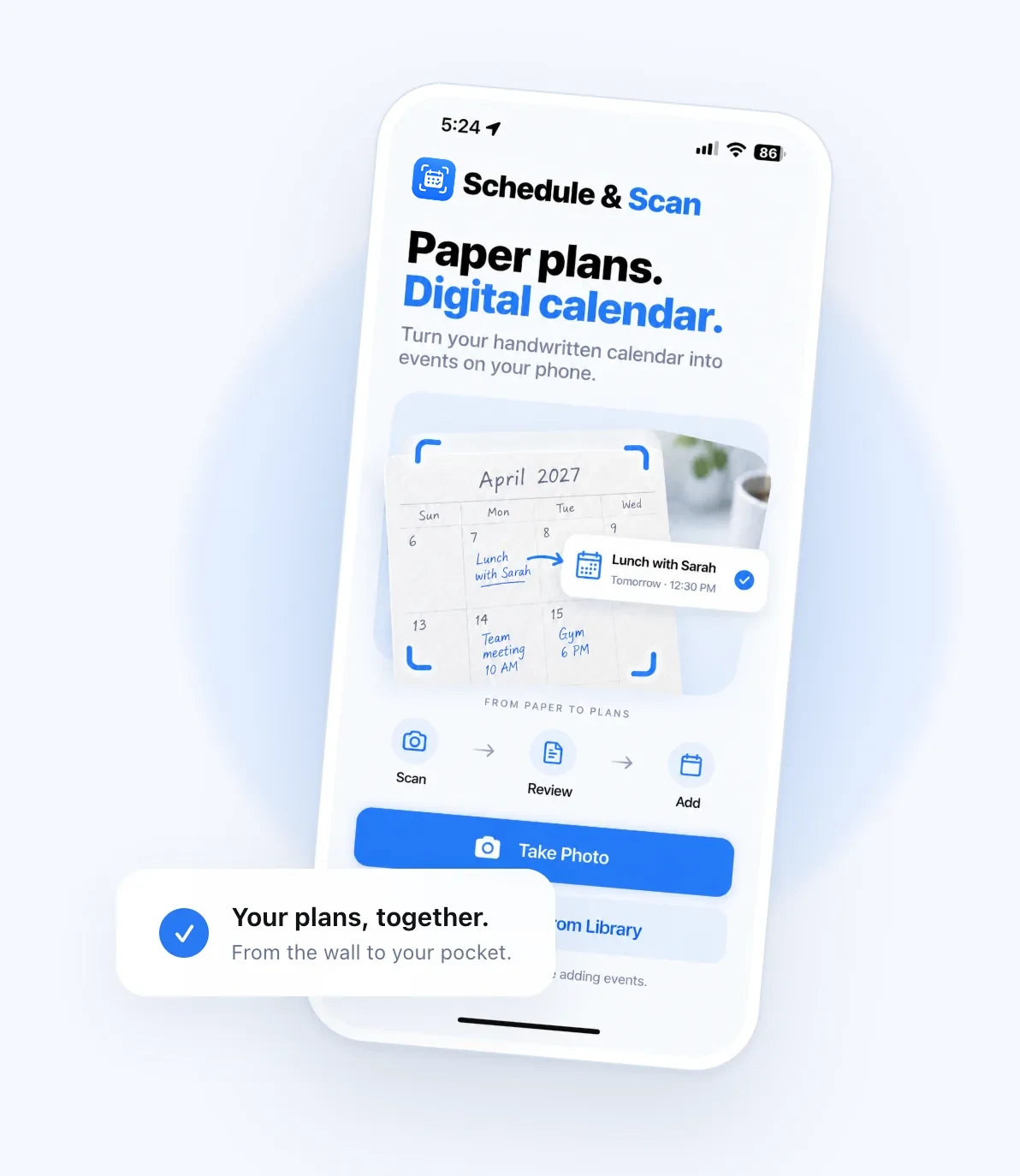
Turn handwritten appointments into digital events. Just take a photo, review your plans, and add them to your calendar.
Write it down.
Bring it along.
Family dinners. School activities. That appointment you booked weeks ago.
Keep planning the way you always have.
Schedule & Scan takes care of the next step.
- Lunch with Sarah
- Soccer practice
- Dentist appointment
-
Scan
Take a clear photo of your monthly calendar, or choose one from your photo library.
-
Review
AI reads your handwriting. Check the details, make edits, and choose the events you want.
-
Add
Move your reviewed events to your digital calendar, ready to go wherever you are.
A few questions,
answered.
Can I check events before adding them?
Yes. Review the dates, times, and event names first. You can correct the details and choose which events to add.
What makes a good calendar photo?
Use even lighting, hold your phone steady, and include the month, year, and full calendar grid. Check that your handwriting is clearly visible.
Does it use AI?
Yes. AI helps read the handwriting in your calendar photo. Always review the results, especially dates and times, before adding events.